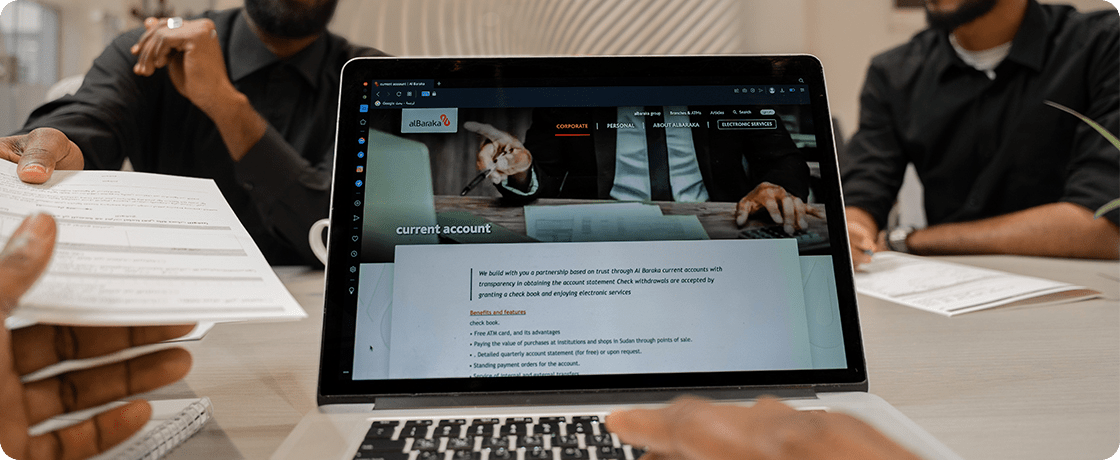
The current account service provided by alBaraka Bank in Sudan enables you to withdraw and deposit funds and provides you with financial stability and security, without any exposure to the risk of loss.
Benefits And Features
Checkbook Access
Enables customers to obtain a checkbook for convenient everyday transactions
ATM card
Provides an ATM card for easy cash withdrawals and purchases anytime
alBaraka Mobile App
Manage your account on the go through the Al Baraka mobile application
Internet Banking
Access and control your banking services securely through online banking
Detailed Account Statements
Receive detailed account statements quarterly or upon request
Eligibility Requirements
How to access the service
Fill in the account opening application form.
Bring a valid identification document.
Bring a salary certificate (original stamped, signed and stamped by the service authority) or a certificate of practicing activity and a certificate of residence for self-employed.